> For the complete documentation index, see [llms.txt](https://docs.autopilotbrand.com/llms.txt). Markdown versions of documentation pages are available by appending `.md` to page URLs; this page is available as [Markdown](https://docs.autopilotbrand.com/getting-started/autopilot-sign-up-guide/creating-a-user-account.md).
# Creating Your User Account & Organization
Details on how to create your first Autopilot user account & organization
{% hint style="info" %}
Looking for the sign-up / login page? You can find it [here](https://my.autopilotbrand.com/portal/users/login)
{% endhint %}
In order to connect your Amazon accounts to Autopilot, you need to start by creating an Autopilot user account:
1. Navigate to the [sign-up page ](https://my.autopilotbrand.com/portal/users/login)and click on **Getting Started**. Or if you were invited to an organization, accept the email invite.
2. Enter the required details and accept the Terms & Conditions
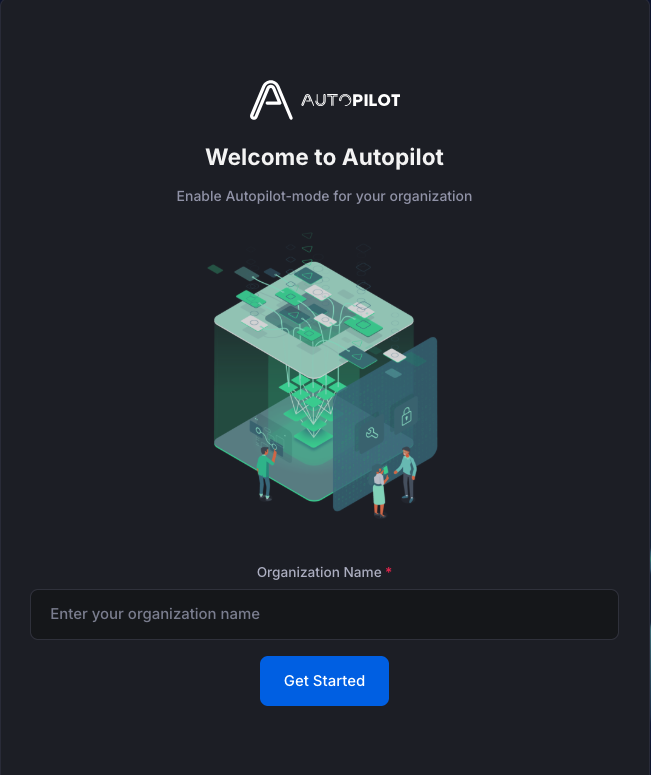
3. If you are not part of an existing Organization already, you must now **enter the name of your Organization.** This is usually your company name (if your organization manages many brands) or seller/brand name (if only 1 brand is managed)
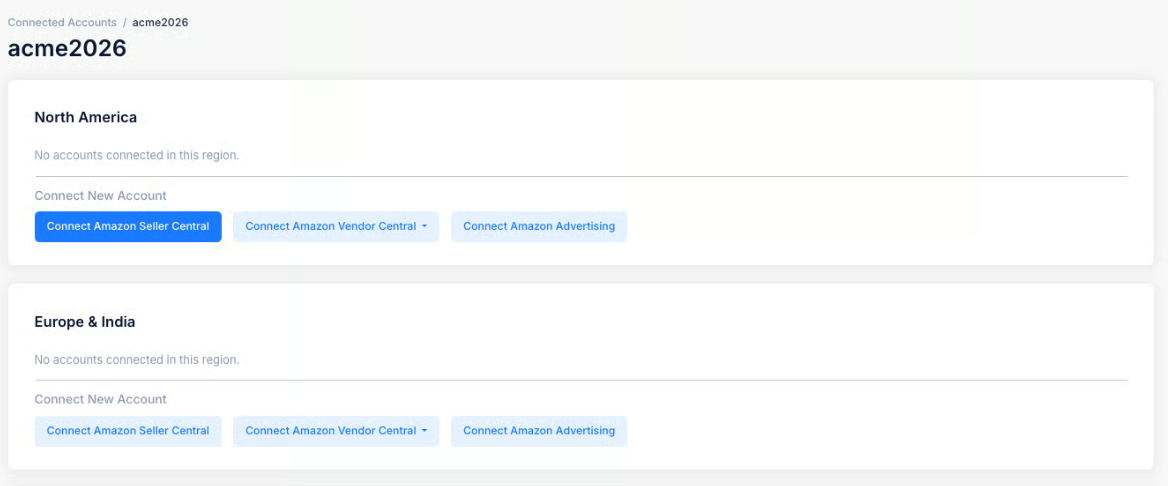
4. You will now reach the Seller Settings page. New organizations will be inactive and see the following message
5. Whilst the Organization is inactive, you can still start connecting your first Amazon Seller/Vendor and Advertising accounts so that we can start ingesting the required data to get started as quickly as possible.
Click on the relevant links below for more details on each:
* [Connecting to Amazon Seller Central Accounts ](https://app.gitbook.com/o/-Llg4538HqXKuID18eLg/s/-Llg4spNbT45Kw3lC5Sv/~/changes/vStj4smoZXilACbl4wOd/getting-started/seller-reporting-by-xapix/seller-reporting-sign-up-guide/amazon-seller-central-account-connection-details)in their active regions (Amazon Regions: Europe & India, North America, Far East)
* [Connecting to Amazon Vendor Central Accounts](/readme.md) in their active regions (Amazon Regions: Europe & India, North America, Far East)
* [Connecting to Amazon Advertising Accounts](https://app.gitbook.com/o/-Llg4538HqXKuID18eLg/s/-Llg4spNbT45Kw3lC5Sv/~/changes/vStj4smoZXilACbl4wOd/getting-started/seller-reporting-by-xapix/seller-reporting-sign-up-guide/amazon-advertising-account-connection-details) in their active regions (Amazon Regions: Europe & India, North America, Far East)