> For the complete documentation index, see [llms.txt](https://docs.autopilotbrand.com/llms.txt). Markdown versions of documentation pages are available by appending `.md` to page URLs; this page is available as [Markdown](https://docs.autopilotbrand.com/getting-started/create-multiple-sellers.md).
# Connecting Multiple Amazon Seller Accounts
For adding additional Amazon Seller accounts to your Organization
{% hint style="info" %}
The [Sign-Up Guide ](/getting-started/autopilot-sign-up-guide.md)takes you through creating your first user account and organization. This is is sufficient if you manage 1 Amazon seller (even with multiple regions). Your first Autopilot Seller entity will be created automatically in this process. If you manage multiple Amazon sellers with their own Seller/Vendor Central and Ads Account, you can follow the steps below to create additional sellers.
{% endhint %}
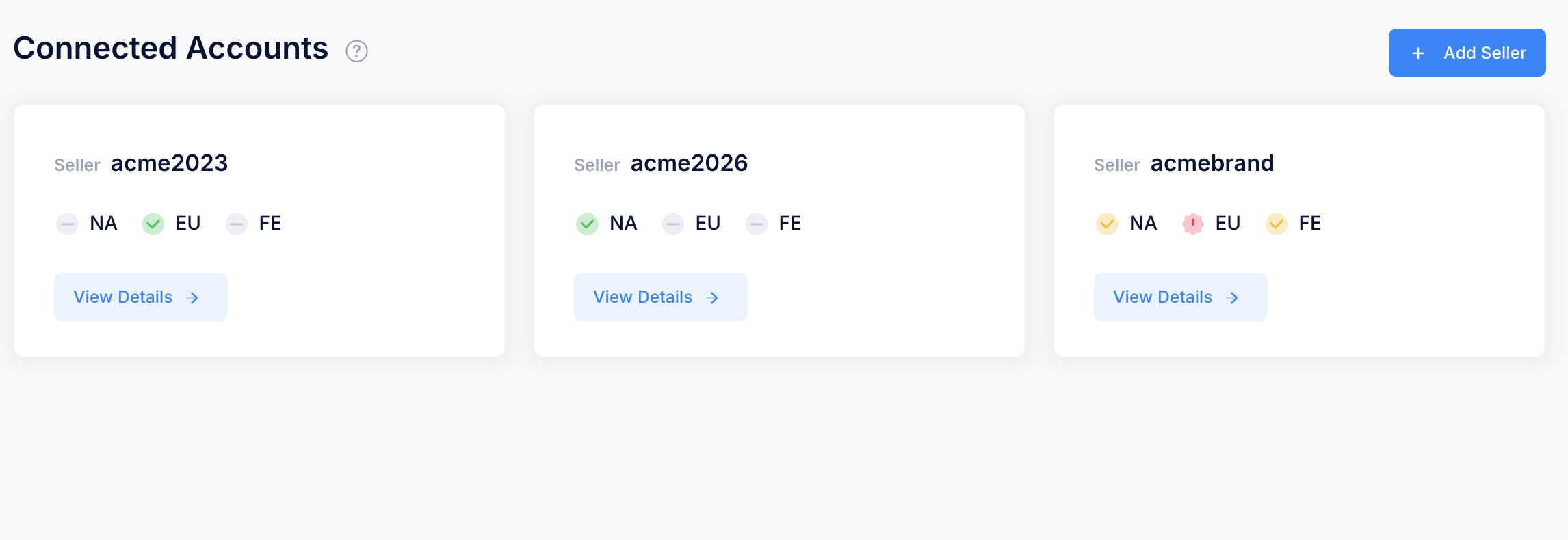
1. **Settings > Connected Accounts** page will display any existing Sellers and the **Add Seller** button as shown above
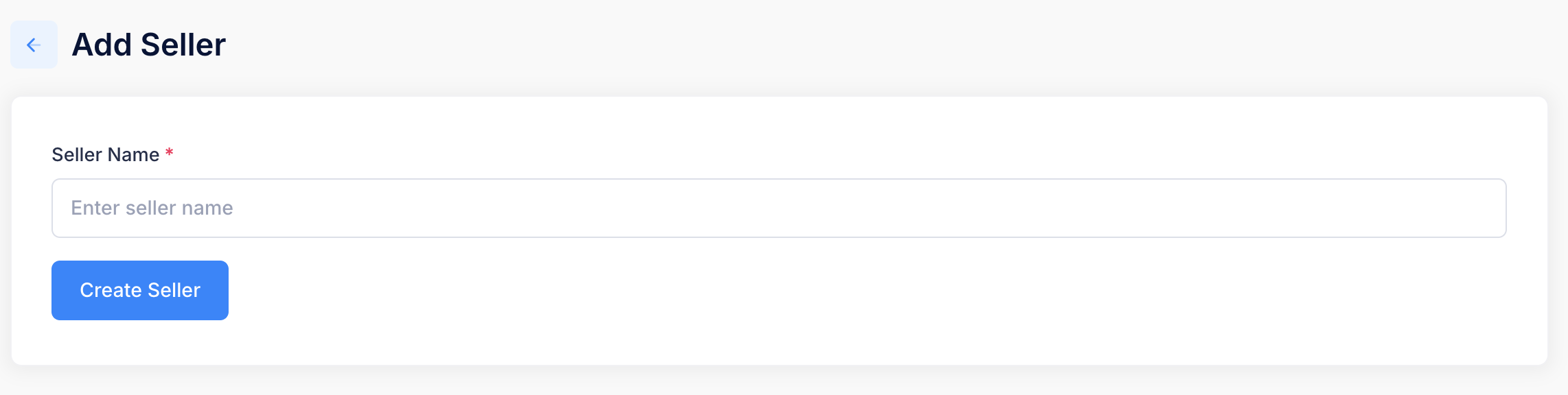
2. Click **Add Seller** and enter the Seller name and click Create Seller
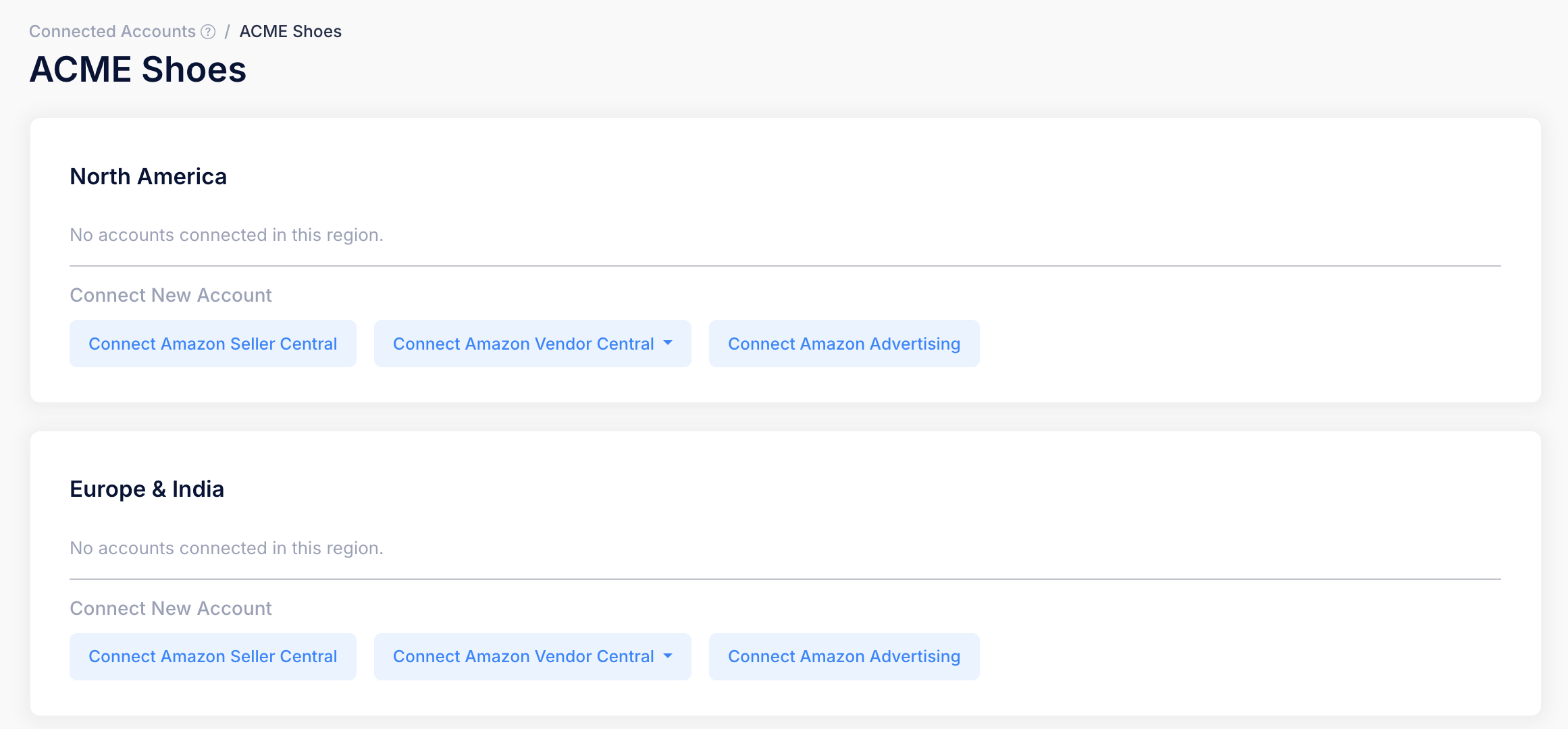
3. You will now see the new Seller page with options to connect you Amazon accounts, starting with[ Amazon Seller Central](/getting-started/autopilot-sign-up-guide/connecting-to-amazon-seller-central-accounts.md)